Virtual Wheels & Rims: Preview New Rims on Your Car With AI
Wheels transform a car more than almost any other mod. Use AI to preview 30+ rim designs on your exact car before you buy a set.
Read guide →AI Car Customizer for iPhone
Snap a photo of your car and AutoMod's AI builds a photorealistic custom version — new paint, wheels, body kit and stance — in seconds. Try every mod virtually before you buy a single part.
Free to start · No design skills needed


Before / After
Drag the handle to see a stock car transformed into a fully customized build. Same car, same angle — every mod rendered photorealistically.
 Stock
Stock  AutoMod
 Styles
Not sure where to start? Choose a curated style direction and AutoMod designs the whole build for you — or let AI Surprise pick everything.


How it works
No design skills, no expensive software, no waiting on a shop render.
Take a shot of your own car or start from one of our studio templates — Civic, Mustang, Supra, Charger and more.

Pick a style preset, or go custom: paint color and finish, wheels, spoilers, body kits, stickers and headlights.

The AI renders a photorealistic build that keeps your exact car. Save every version, compare them, and share.
Paint & finishes
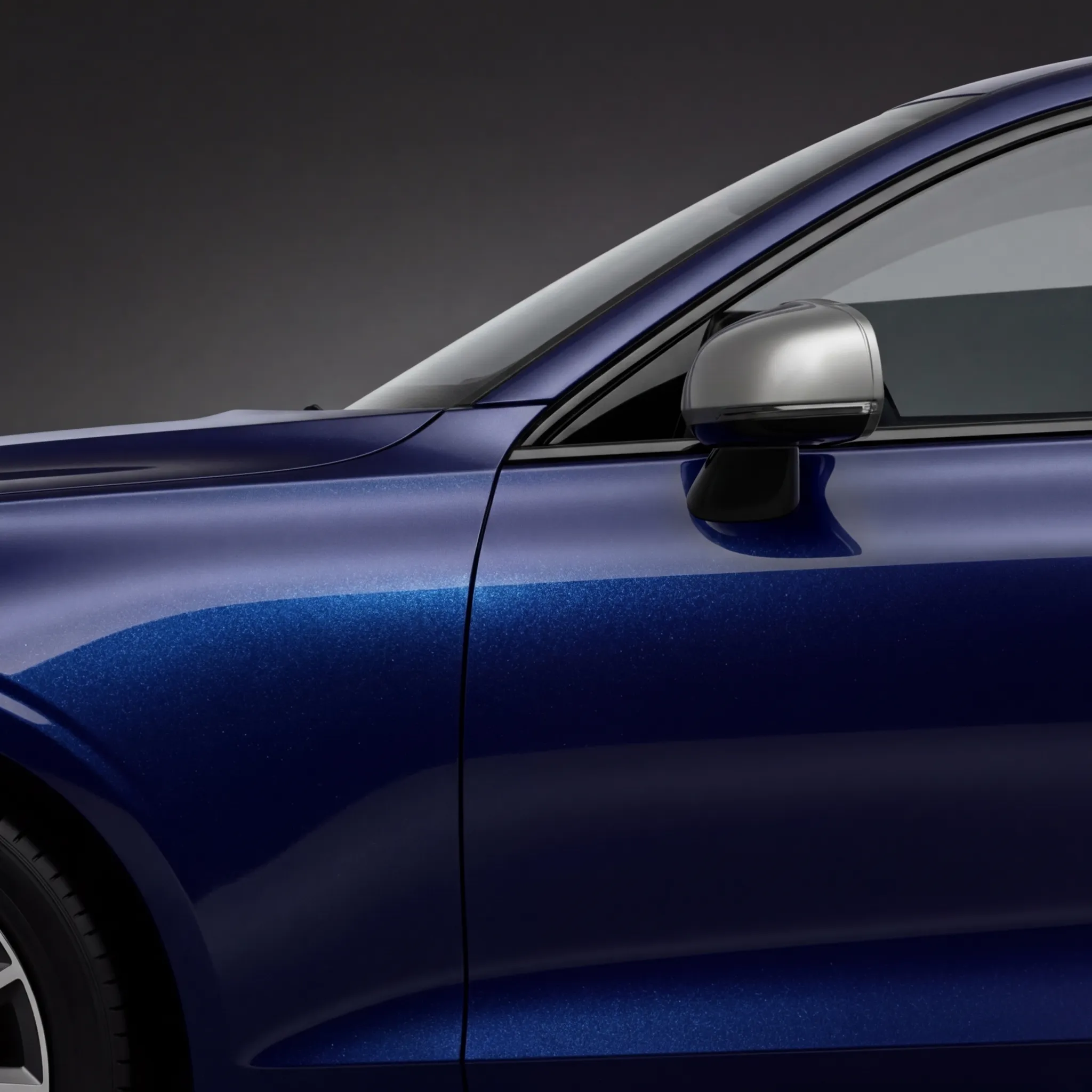
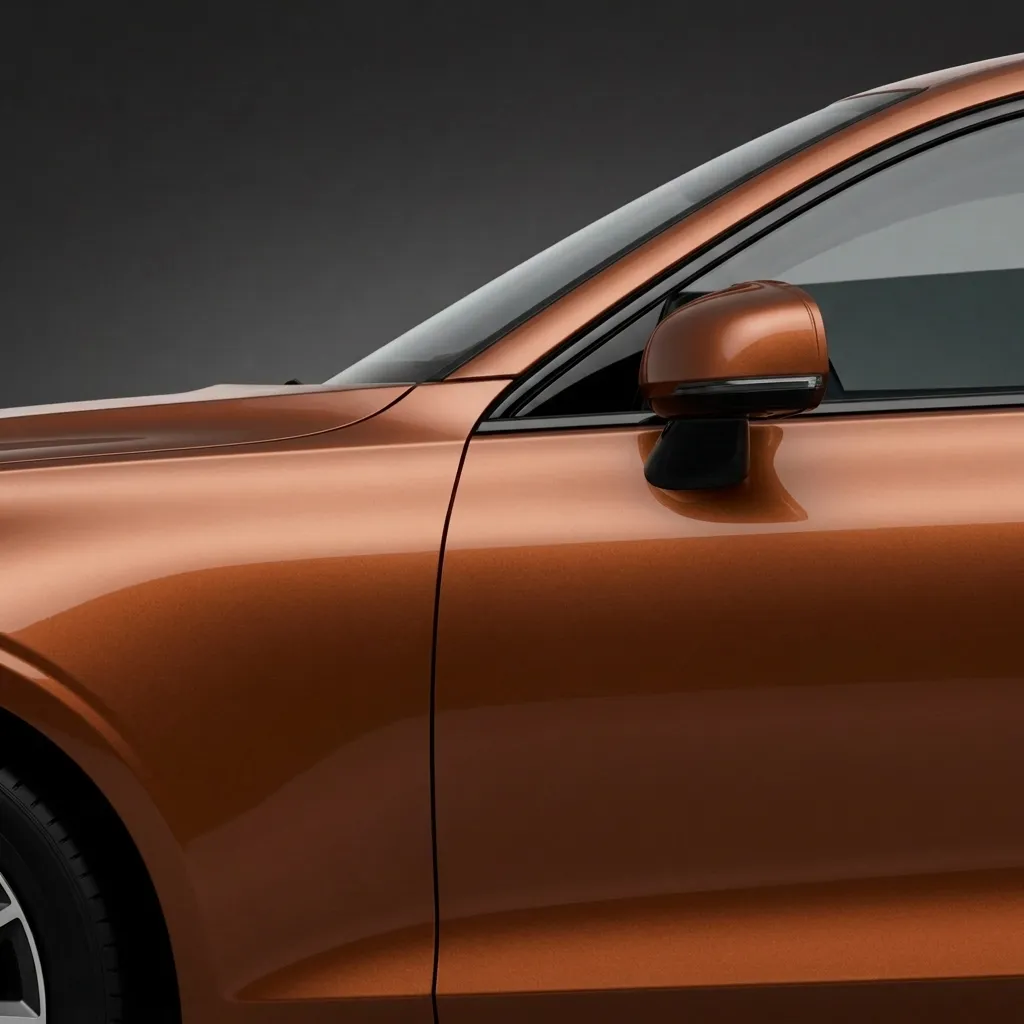
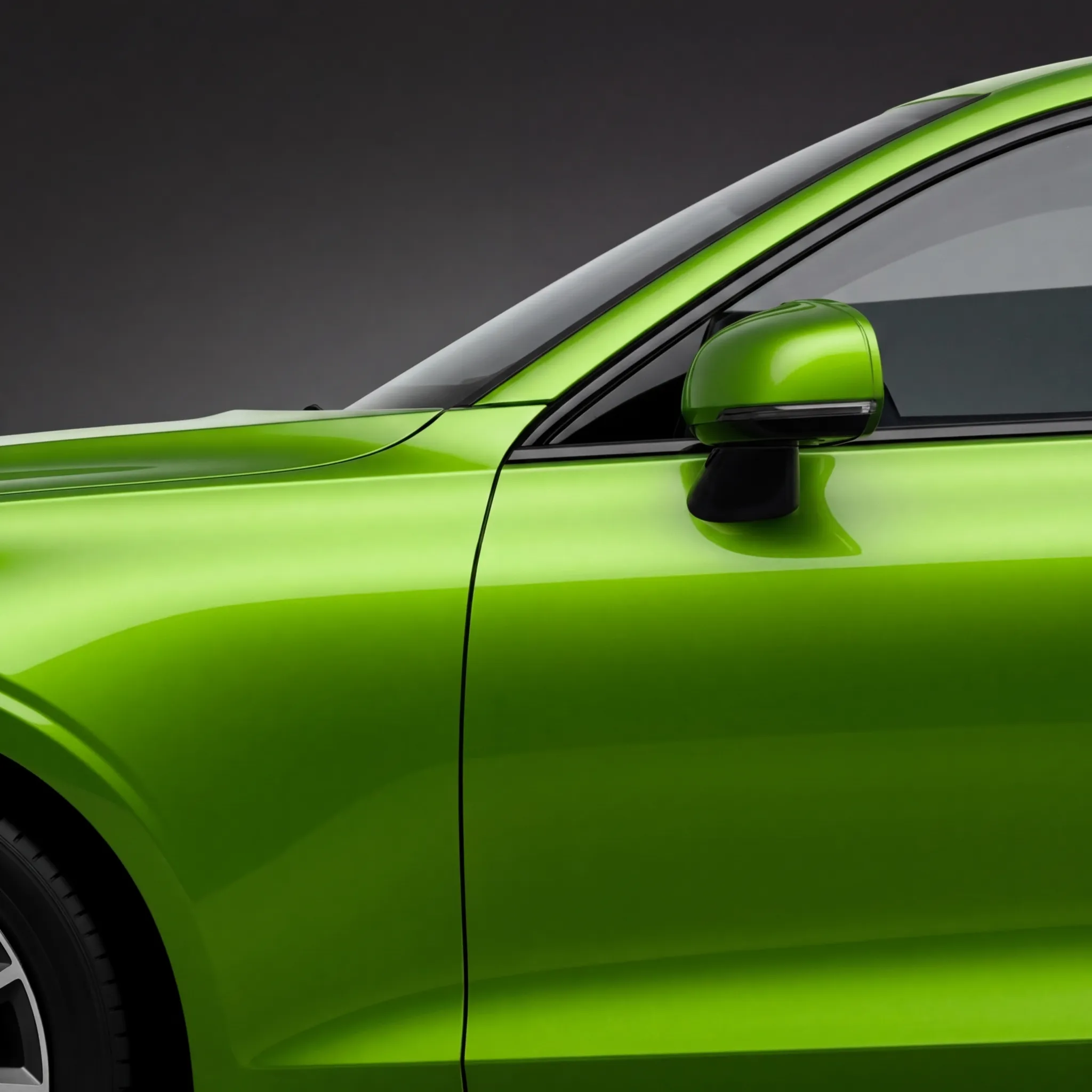
From Onyx Black to Champagne Gold — preview any color and finish on your exact car before you commit to a wrap or respray.
Tap a swatch to repaint the car
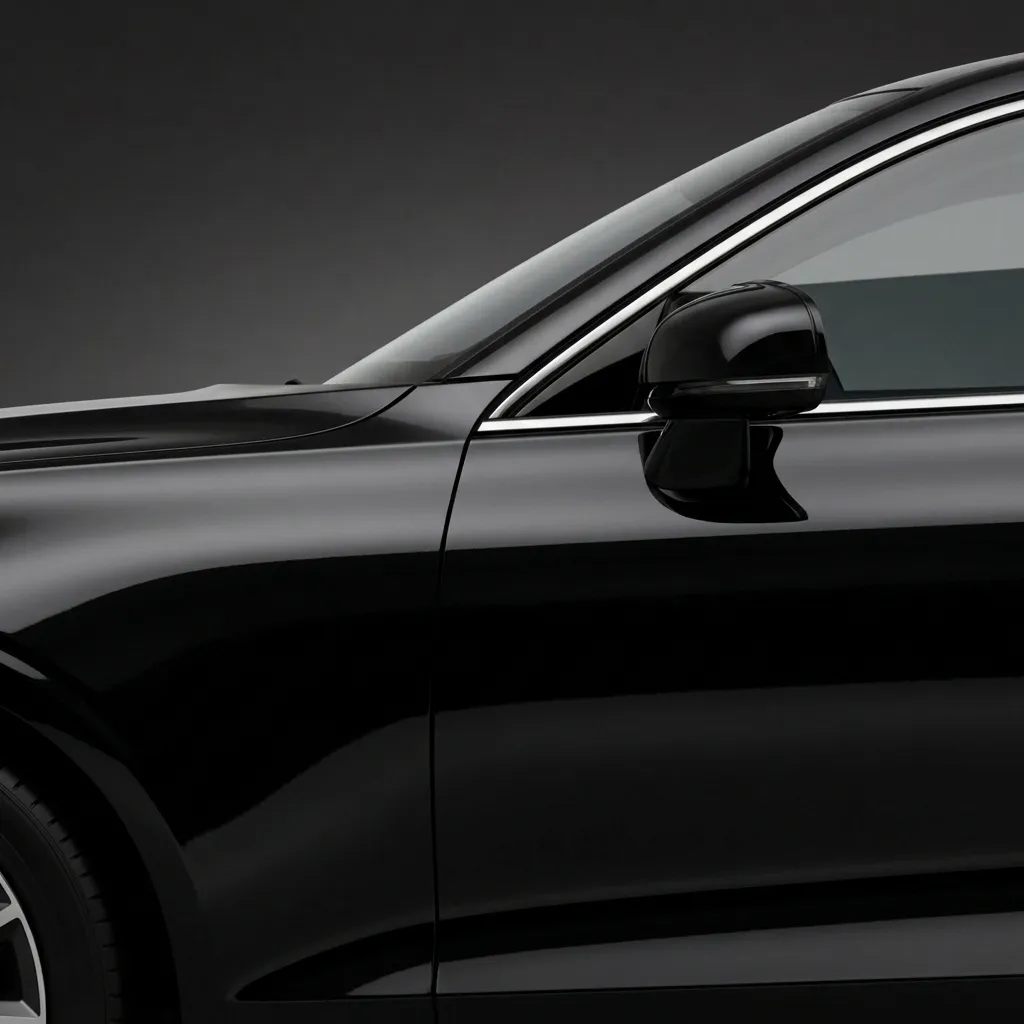
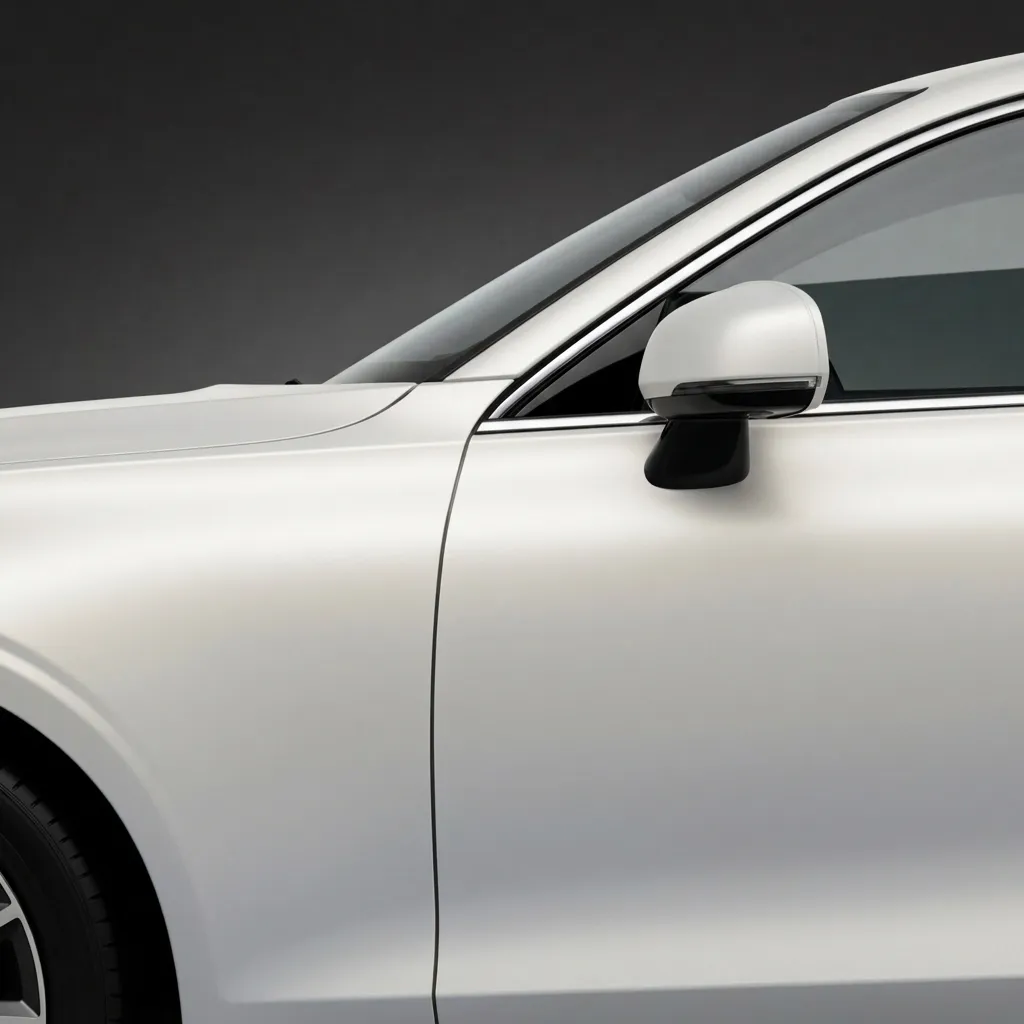
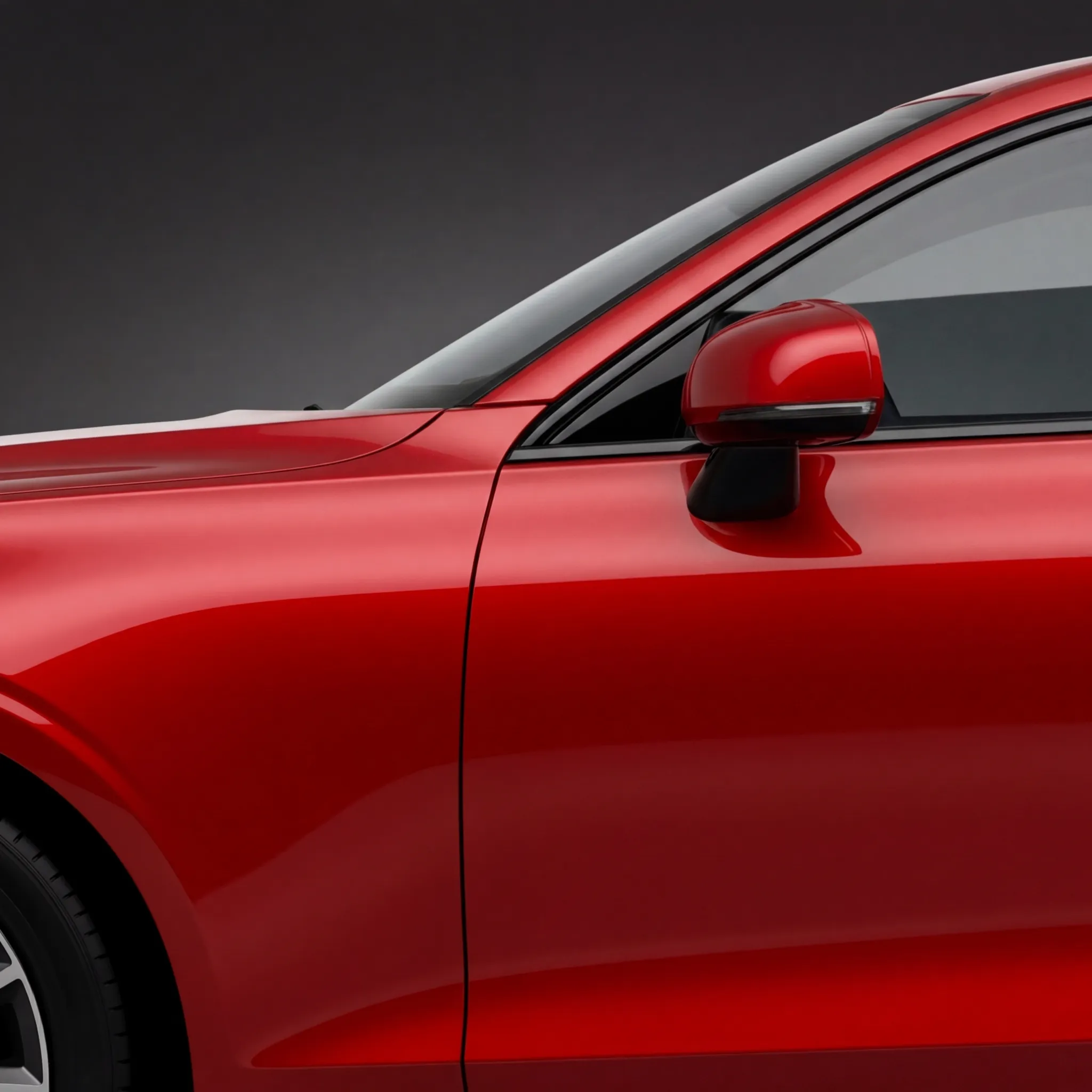
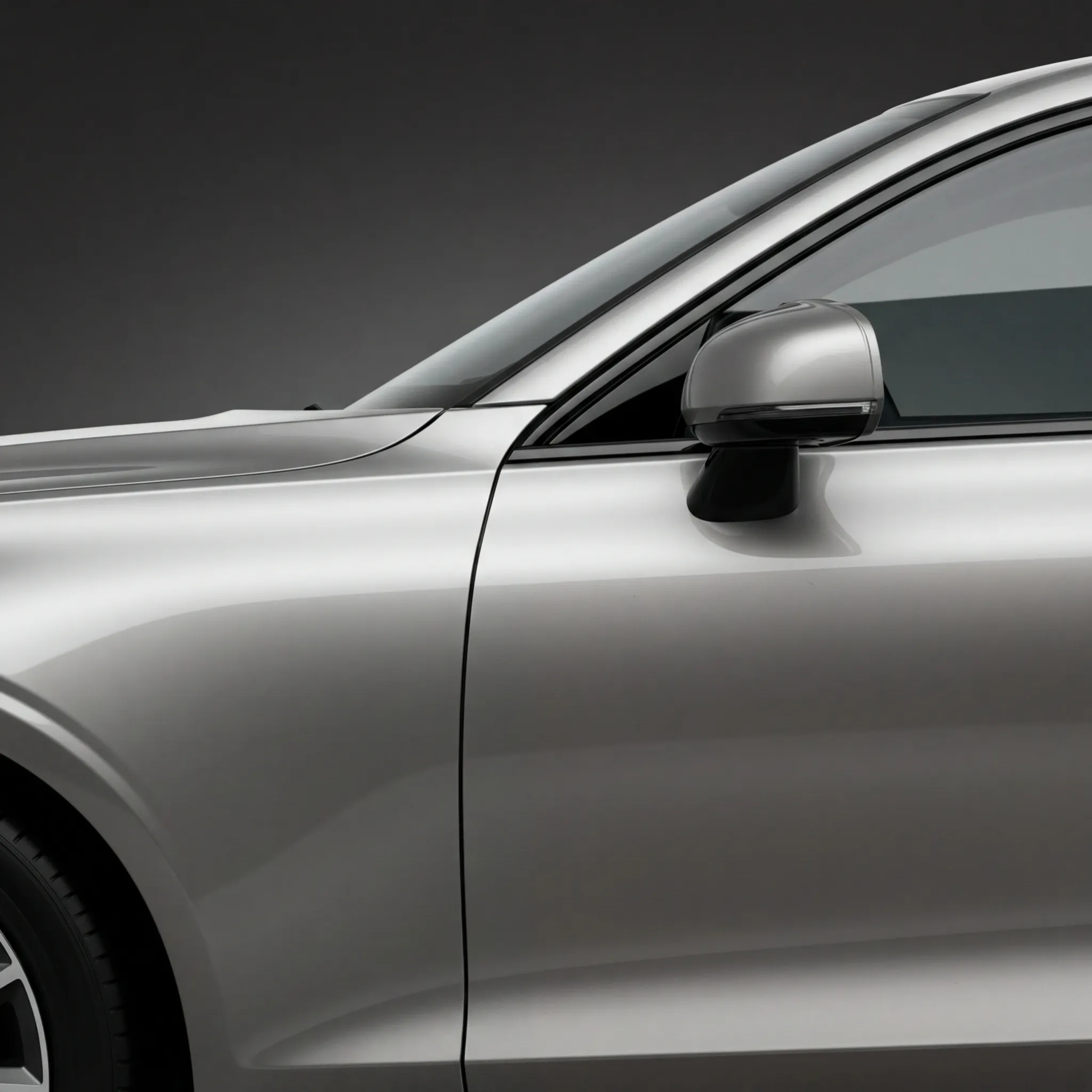
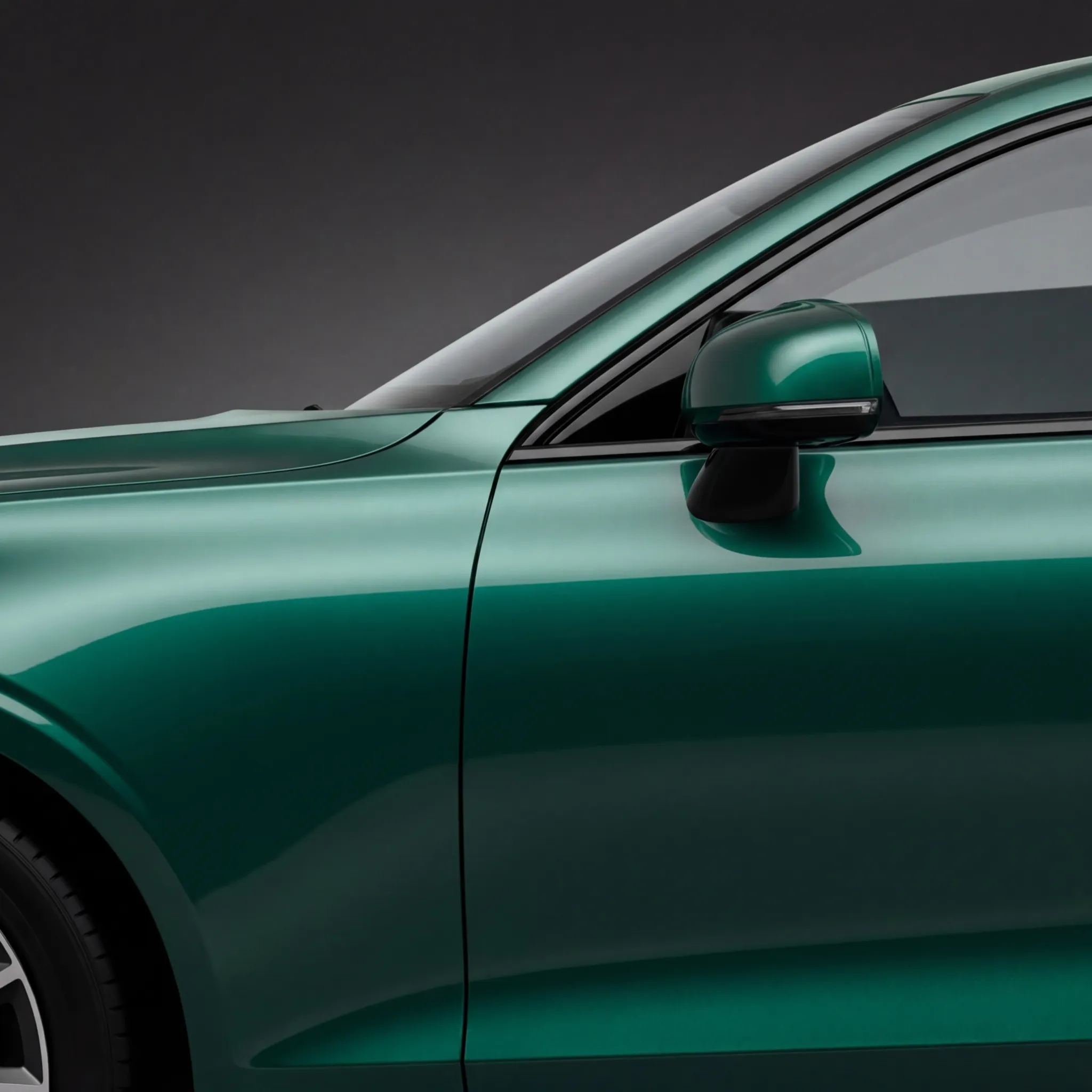
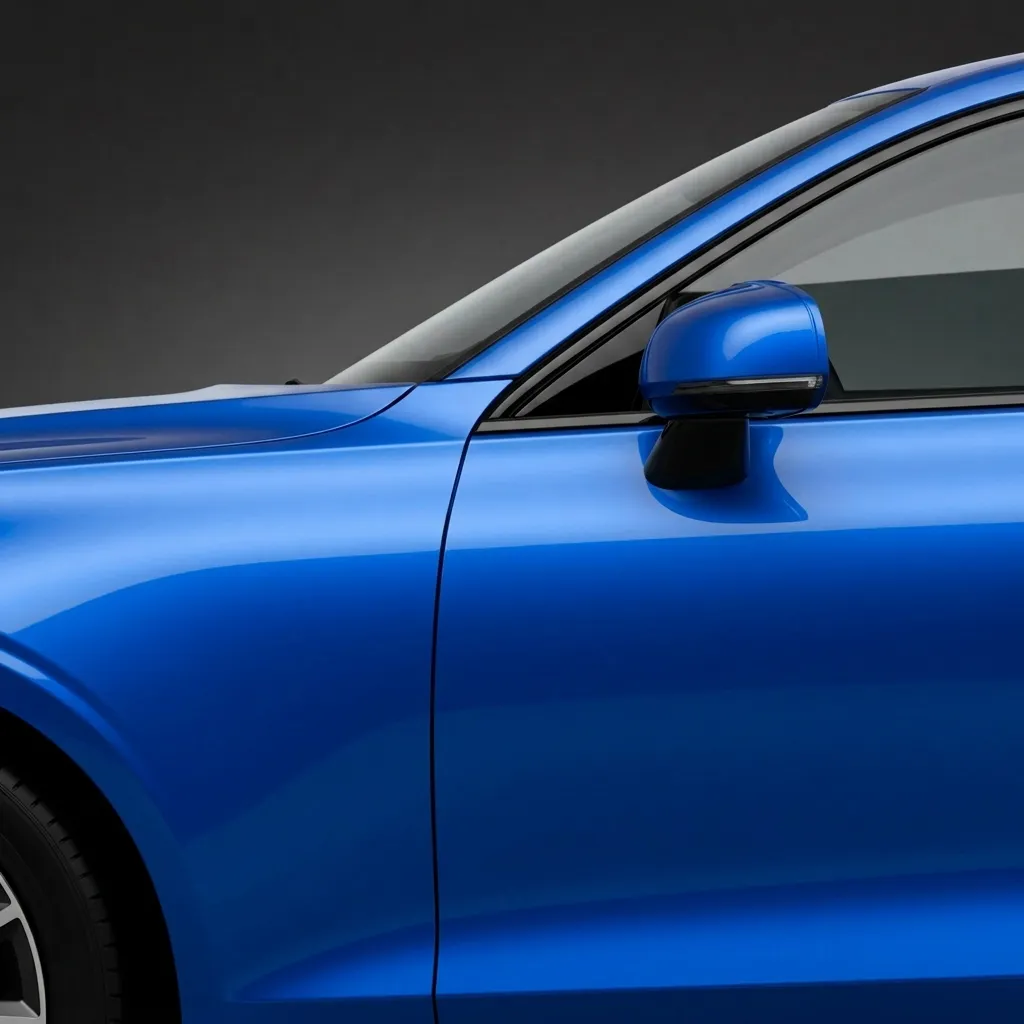
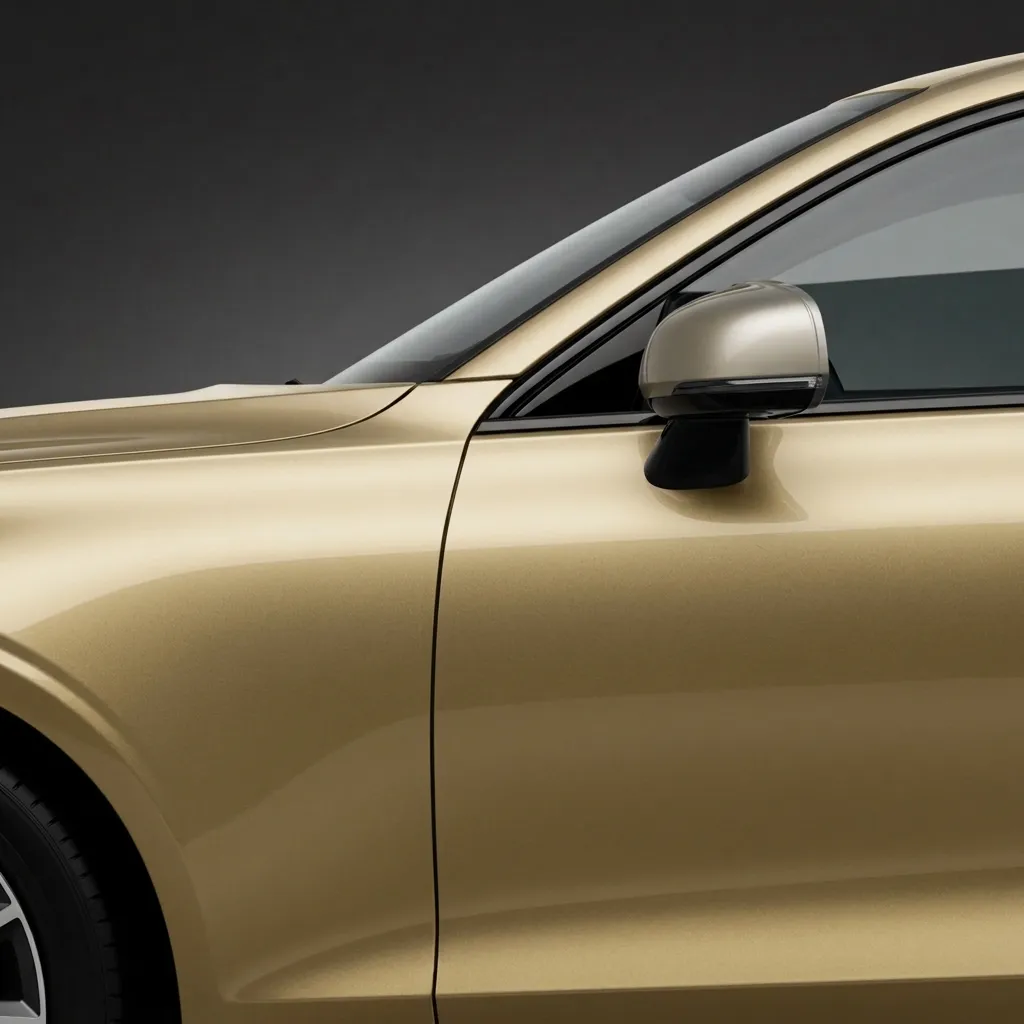
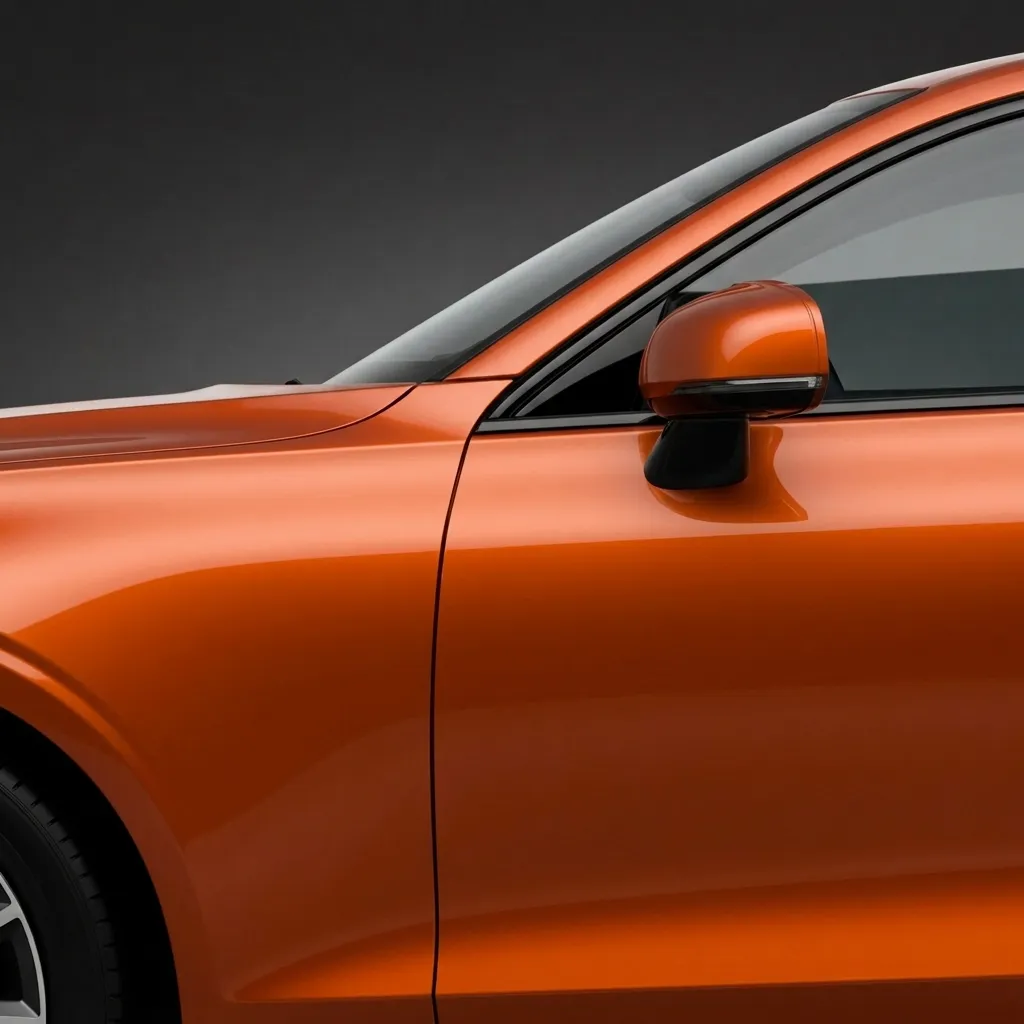
 Onyx Black
 Start anywhere
Don't have a photo handy? Start from a studio template and explore the full customizer instantly.


Pricing
Try AutoMod free, then upgrade to Pro for unlimited AI builds whenever you're ready.
Free
Weekly · Monthly · Annual
Subscriptions billed through the App Store. Cancel anytime.
FAQ
AutoMod is an AI-powered car customization app for iPhone. You upload a photo of your vehicle and the app's AI generates a photorealistic preview of modifications — paint, wheels, body kits, spoilers, stickers and complete styling — applied to your exact car.
AutoMod analyzes your uploaded photo, locks onto your car's make, model and angle, then applies the modifications you choose. The result is a realistic image of how your real car would look with those mods — generated in seconds, no design skills required.
Yes. AutoMod is free to download and includes a free AI build so you can try it. AutoMod Pro (weekly, monthly or annual) unlocks unlimited AI edits, the full custom builder, no ads, and priority support.
AI-generated images are visualizations for inspiration. They closely preview paint, wheels and styling, but real-world fitment, paint tone and lighting may vary. Always confirm with a professional before purchasing parts.
Paint in 24 colors across gloss, matte and metallic finishes; 30+ wheel and rim designs; spoilers, body kits, headlights, hoods and stickers; plus 8 one-tap style presets like Street Racing, Blacked Out, Luxury and Drift.
Any car. Upload a photo of your own vehicle, or start from a studio template such as Honda Civic, Toyota Supra, Ford Mustang, Dodge Charger or Tesla Cybertruck.
Yes. Generated images belong to you and can be saved to your garage or shared at your discretion.
The AutoMod Blog
Wheels transform a car more than almost any other mod. Use AI to preview 30+ rim designs on your exact car before you buy a set.
Read guide → Thinking about a wrap or respray? Use an AI car paint visualizer to preview 24 colors and finishes on your exact car before you spend a cent.
Read guide → AI car tuning uses artificial intelligence to visualize modifications on your real car from a single photo. Here's what it is, how it works, and what it can and can't do.
Read guide →Download AutoMod and customize your car with AI tonight — free to start.
Download on the App Store AutoMod
 Get AutoMod on the App Store and turn your car into a custom build in seconds — free to start.
Free to start · Powered by AI